
Keep Your Feedback Focused – Import Edit Index Files from DaVinci Resolve
Dear Webgate.io Community,
Anyone working with DaVinci Resolve knows the challenge: an exported EDL always contains every comment from the timeline. In reality, however, those comments are often intended for different departments — such as VFX, retouching, grading, or editing.
Until now, if you wanted to import only a specific subset of those comments into Webgate.io, you had to manually edit the EDL first. This process was time-consuming and prone to errors.
With DaVinci Resolve 20, Blackmagic Design introduced an elegant solution: exporting filtered Edit Index files as CSV or TXT.
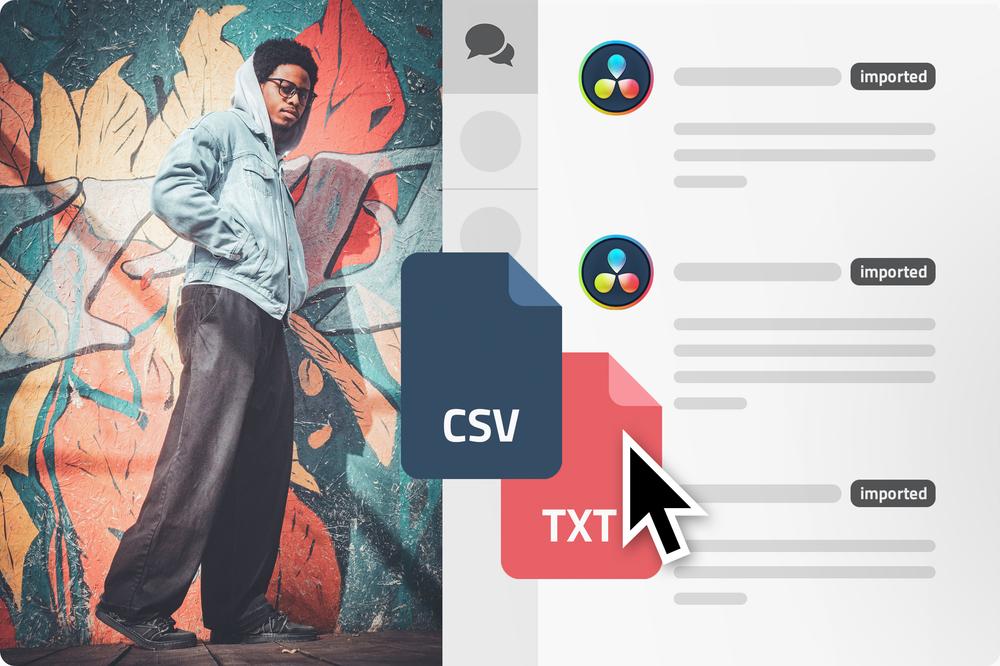
Webgate.io now supports exactly these files.
Instead of importing every comment from a timeline, you can first filter comments in DaVinci Resolve by color or text content and export only the entries relevant to your workflow. These filtered Edit Index files can then be imported directly into Webgate.io.
This opens up new possibilities for structured review workflows:
- VFX teams receive only the VFX comments relevant to them.
- Retouch departments see retouch notes exclusively.
- Production and editorial can work specifically with their own comment groups.
The result: less clutter, less manual cleanup, and significantly more focused feedback workflows.
Best regards,
Your Webgate.io Team
Publicado em: 10 de Junho de 2026 13:00