
The Webgate.io Clip Collector
Dear Webgate Community,
Sometimes you know exactly which shots you need for a selection — for example, all shots from a specific scene or all the material from a particular episode. Yet the clips are scattered across multiple playlists, shooting days, or folders.
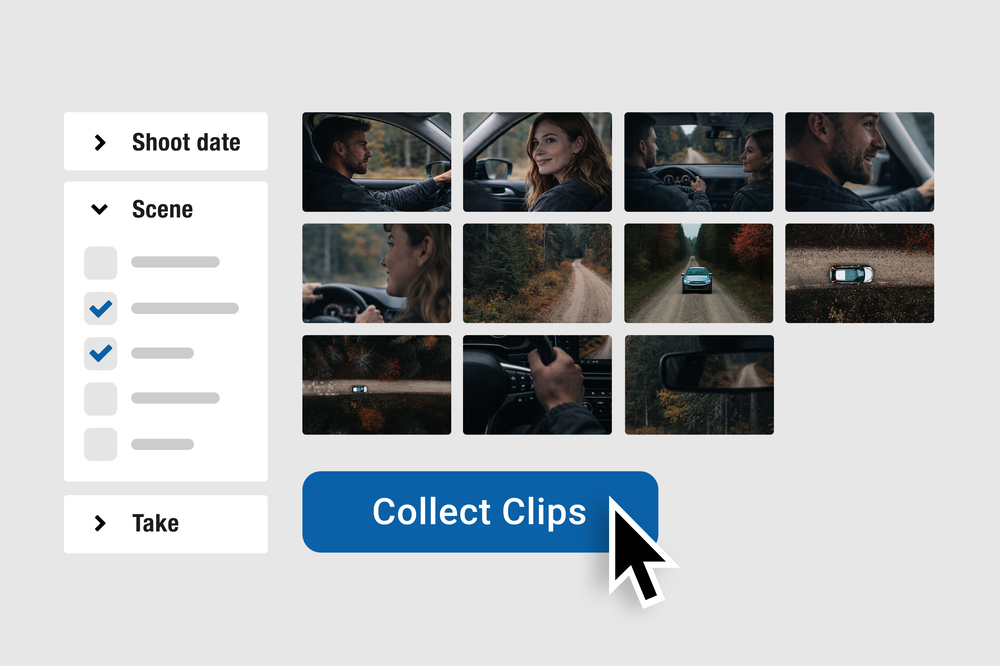
With the new Clip Collector, you can now assemble clips into a new playlist across the entire project based on their Metadata.
Currently, you can filter by the following metadata fields: Reel, Scene, Shot, Take, Shooting date, Shooting day, Circle Take and Episode.
Instead of manually clicking through existing playlists, you can create a new, dedicated working playlist — precisely based on these production details.
This is especially helpful when you want to isolate a complete scene for shot/reverse-shot testing or compile material from a particular episode in a structured way.
The Clip Collector is not just a filtered view — it’s a tool for building clearly defined playlists that you can continue working with or share directly.
Less searching — fewer detours — more speed in your workflow.
Best regards,
Your Webgate.io Team
Published at: February 17, 2026 08:00 AM